Multipack · box ladder
How to sell multipacks on Shopify (1, 2 or 3 boxes)
A multipack is a set sold in multiples: one box of four pastries, two boxes, three. Each step down the ladder is a better price, so bigger orders feel like the obvious choice.
Multipack vs quantity breaks vs fixed bundle
- Quantity breaks: more of the same product. How to set up quantity breaks.
- Fixed bundle: one set of different products at one price. How to create a fixed bundle.
- Multipack: a set of different products, sold in 1, 2 or 3 boxes, with a better rate for more boxes.
Set up a multipack with ZS Bundles
- Install ZS Bundles, press Turn on in theme, and Save.
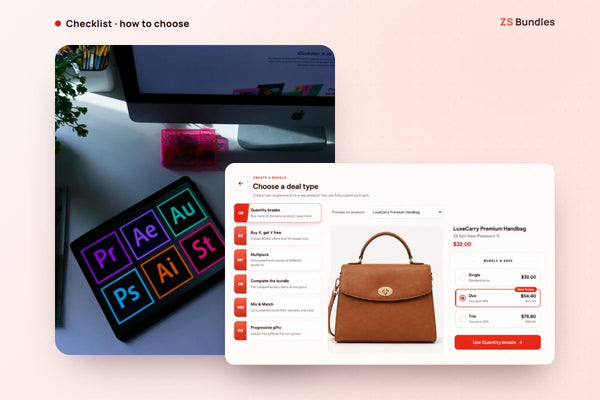
- Click Create bundle deal and choose Multipack.
- Add the products that make one box.
- Set the ladder, for example 1 box save 10%, 2 boxes save 15%, 3 boxes save 20%.
- Publish. Shoppers pick the number of boxes, and Shopify applies the price at checkout.
See a multipack live Install ZS Bundles free
Tips
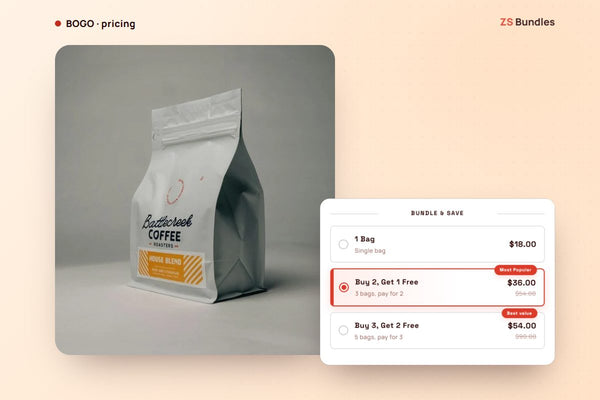
- Highlight the middle option. A "Most popular" badge on 2 boxes nudges shoppers up from 1.
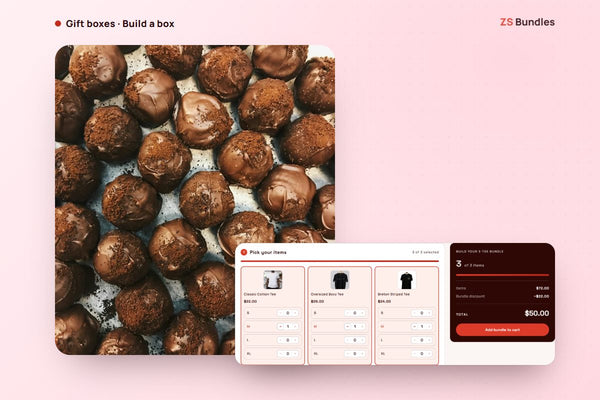
- Show what's in a box. Pictures of each item make the set feel real.
- Check your margin per box with the bundle discount calculator.