Fixed bundle · product set
How to create a fixed product bundle on Shopify
A fixed bundle says 'these products, together, cheaper'. It suits routines, gift sets and starter kits, where the shopper wants the whole set rather than choosing.
When a fixed bundle works
- Routines: cleanser, serum, moisturiser, SPF.
- Gift sets: a candle, a mug and a treat in one box.
- Starter kits: the device plus the accessories it needs.
Option 1: Shopify Bundles (free)
Shopify's free Bundles app creates a new bundle product from existing products. It's fine for a simple kit. Its limits are 3 options and 100 variants per bundle, and a bundle price you update by hand when product prices change. More in Shopify Bundles alternative.
Option 2: A fixed bundle with ZS Bundles
- Install ZS Bundles, press Turn on in theme, and Save.
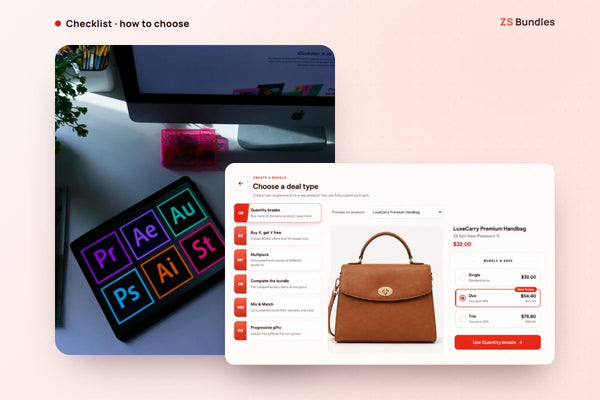
- Click Create bundle deal and choose Complete the bundle.
- The bundle starts with the product you previewed and a second one. Add the rest of the set.
- Set the saving (for example 20% off each item), so the price follows your product prices.
- Publish. The set shows on each of its products' pages, and Shopify applies the price at checkout.
See a fixed bundle live Install ZS Bundles free
Tips
- Name the set, not the discount. "The complete routine" sells better than "4 items, 20% off".
- Show the saving in money. "Save $24.40 on the full set" is clearer than a percentage.
- Keep stock in mind. If one item sells out, the set can't be bought; check stock before a sale.