Best Shopify bundle apps compared (2026): pricing and free plans
Most bundle apps do the same core job: show an offer on the product page and apply the price at checkout. The real differences are how they charge as you grow, what the free plan covers, and how the offer is built. Here is what each listing says today.
Pricing at a glance
Prices and plan limits from each app's Shopify App Store listing on 22 October 2026. Apps change their plans, so check the listing before you decide.
| App | Free plan | First paid plan | What the price is based on |
|---|---|---|---|
| Kaching Bundles | Free on development stores only | Starter $14.99 / month (7-day trial) | Additional revenue the app brings in (Starter: up to $1,000) |
| Fast Bundle | Free on development stores only | Standard $19 / month | Monthly bundle sales (Standard: up to $1,000) |
| Easy Bundles | Free up to $500 of bundle sales a month | Essential $29 / month | Monthly bundle sales (Essential: up to $3,000) |
| Bundler | Free, unlimited revenue (buy X get Y, volume discounts) | Premium $9.99 / month (adds mix & match) | Features, not revenue |
| Shopify Bundles | Free (made by Shopify) | None | Free, with limits (see below) |
| ZS Bundles | Free: every bundle type, one bundle live, up to 20 bundle orders a month | Starter $12.99 / month (14-day trial) | Number of bundle orders (Starter: 500 a month) |
Revenue-based vs order-based pricing
Apps that charge by the revenue they generate get more expensive exactly when your offers work well, and a big Black Friday can push you into the next tier for the month. An order-based plan is easier to predict: 500 bundle orders a month is 500 orders, whatever their value. A free plan with no revenue cap, like Bundler's, is the cheapest option if its features are enough for you.
What to compare besides price
- Where the offer shows. On the product page above Add to cart, in the cart, or only at checkout.
- How the discount is applied. Automatically by Shopify at checkout, or with a code shoppers can share.
- Your existing products. Some apps build a new bundle product; others use the products you already have, with their images, reviews and SEO.
- Variants. If you sell sizes and colours, test that the shopper can pick a variant for every item.
- Support. Read the newest 1–3 star reviews, not only the average, to see how problems get handled.
- What happens when you stop using it. Uninstall apps you don't use; Shopify keeps billing a paid plan until you do.
Where ZS Bundles fits
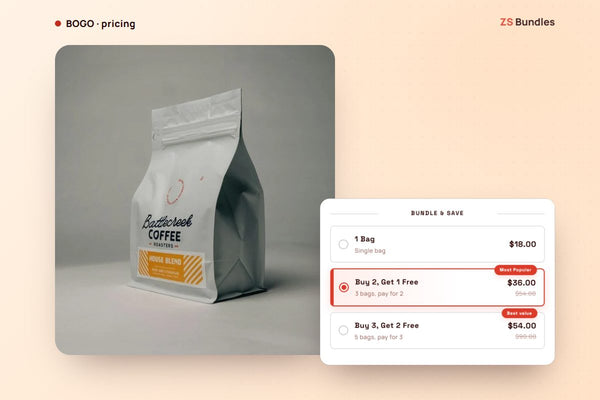
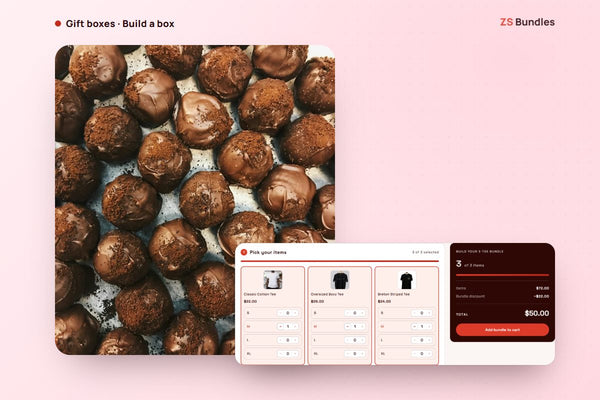
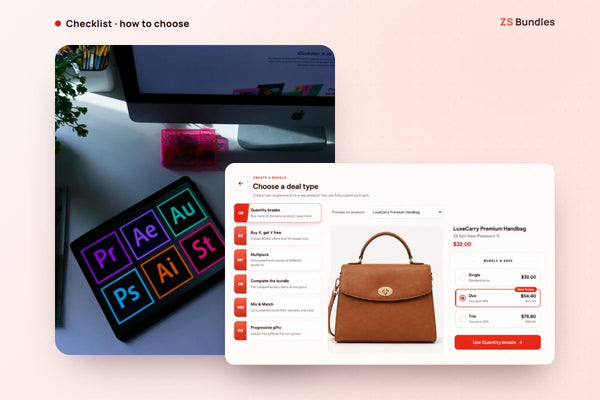
ZS Bundles puts every bundle type (quantity breaks, buy X get Y, mix & match, fixed bundles, multipacks and free gifts) on the free plan, with one bundle live at a time, so you can prove an offer works before paying. Shopify applies the price at checkout, the offer shows on the product page, and bundles use your existing products. If your store is on a paid plan with nothing live, we email you to switch to Free or let us set it up, so you don't pay for something you're not using.